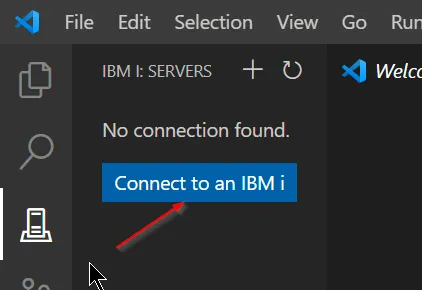
Click the IBM i icon and then ‘Connect to an IBM i’.
Ce contenu n’est pas encore disponible dans votre langue.
Click the IBM i icon and then ‘Connect to an IBM i’.
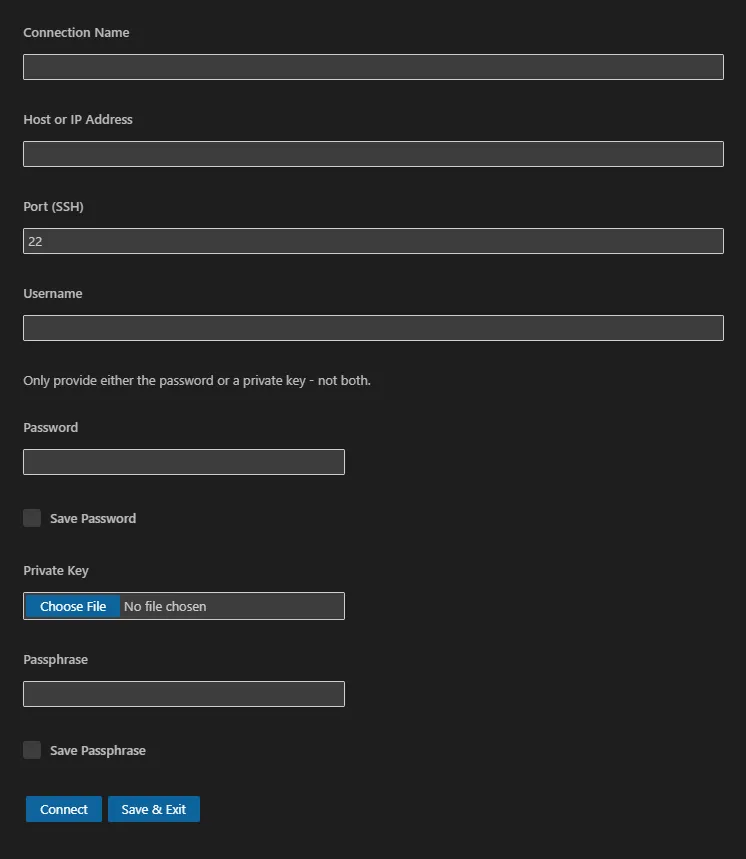
Enter in the systems details in the window that appears. You need either a password or a private key.
Alternatively, press F1, search for IBM i: New Connection, and complete the above form.
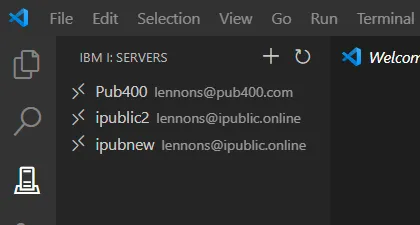
If you have already connected to an IBM i system, click on the conection in the IBM i: Servers browser.
After logging in, a status bar item will appear showing the name of the IBM i system you are connected to.
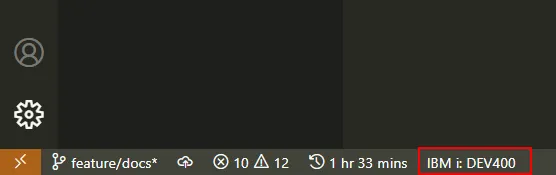
To close a connection and logout out, press F1, search for IBM i: Disconnect from current connection
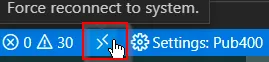
If your connection is unstable and is sometimes lost, check the setting “Show Reconnect Button”. See Settings: Global, below. This will add a “Force reconnect to system” button to the task bar.